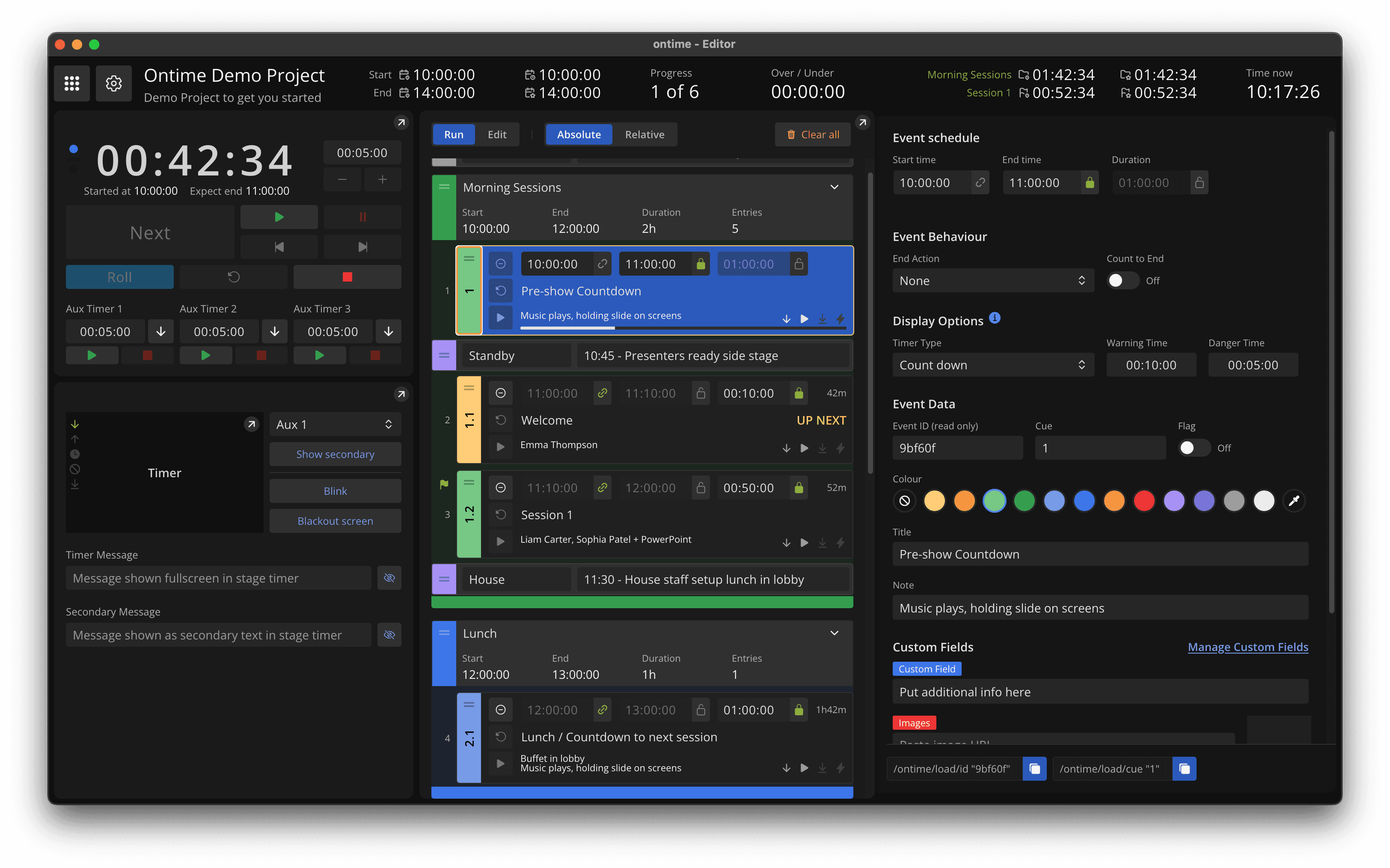
Free open-source software for managing rundowns and event timers
Ontime is a browser-based tool built for real-time collaboration.
Windows, macOS, Linux, Docker, and npm. Run it on your own infrastructure.
Focus on your show, not the infrastructure.
Ontime Cloud runs Ontime for you with zero setup.
See pricing.
Running shows worldwide
Ontime worked easily out-of-the-box and grew with us as we built deep integrations within our studio.
Most importantly, our team (including the talent) love how easy it is to use.
First I used Ontime only for stage timers, but it quickly became the organizational heartbeat for many shows - big and small.
Throughout the festival season, Ontime has proven itself to be an indispensable tool for show timing.
It has transformed the way that we manage festival production reducing stage management workload, ensuring everyone is on the same page both on and off stage.
Our receiving venue uses Ontime to display the day's schedule information to guests, talent and technicians.
At show time, Ontime has been fundamental for sharing information between FOH and backstage and is, at this point, a core part of our workflow.
Keep productions in sync
Multiple surfaces, one source of truth. Keep operators and display endpoints synchronized with consistent event data.
Built for live production
Plan and run your show with a clear schedule, real-time timing, and shared event data across departments.
Ontime helps teams stay aligned while planning, rehearsing, and running live events.
Run locally, self-host, or use Ontime Cloud
Use Ontime on Windows, macOS, Linux, Docker, or a managed cloud stage. Projects stay portable, so you can choose the setup that matches the show.
See setup optionsShare the right view with every team
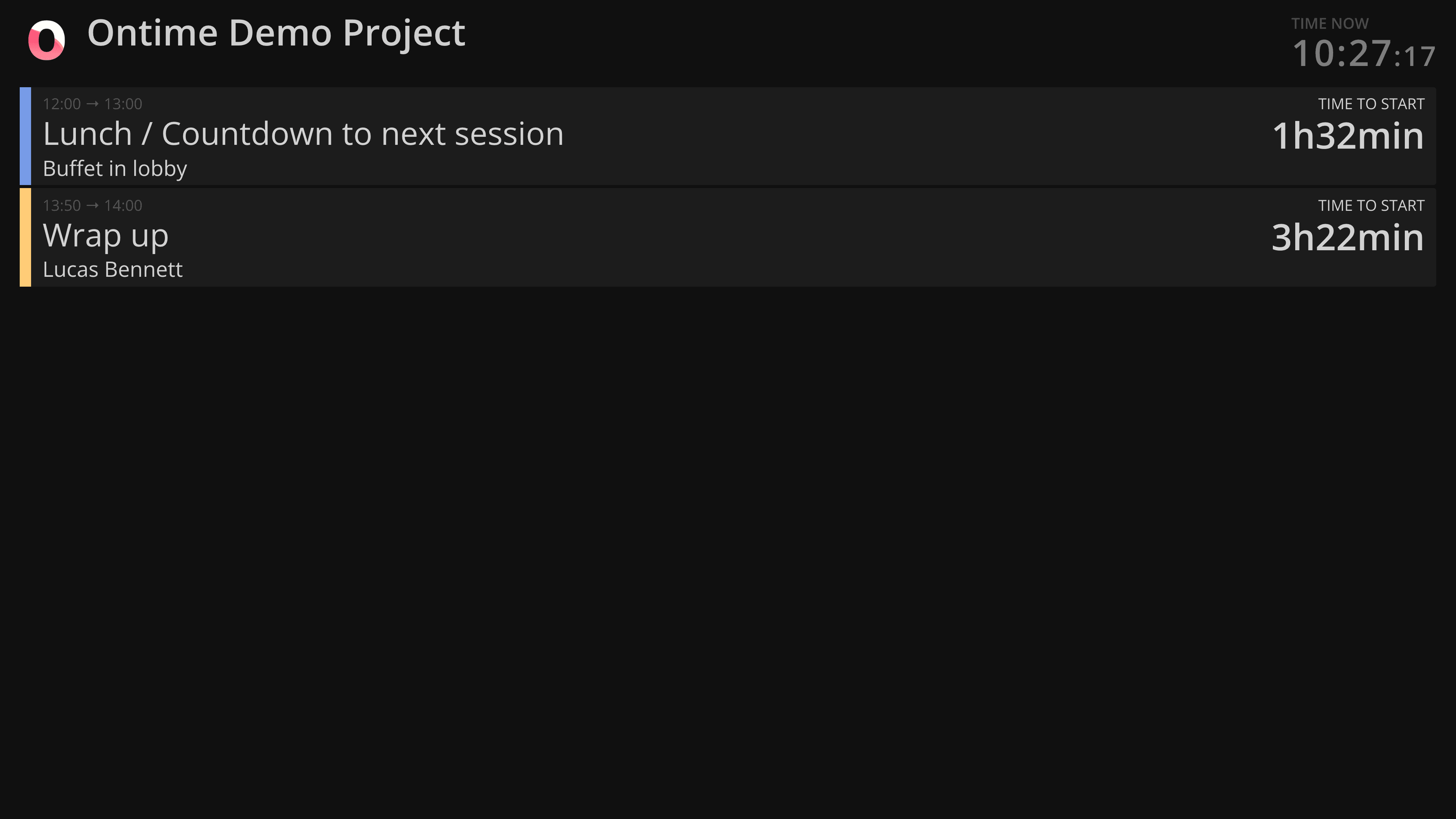
Send timers, backstage schedules, public signage, and operator views to any browser. Save URL presets for fixed screens and redirect connected clients remotely.
Manage remote clientsKeep delays visible during the show
Track runtime changes against the schedule and communicate the impact to production teams in real time, without rebuilding the rundown mid-show.
Understand delaysIntegrate with production systems
Use OSC, HTTP, WebSocket APIs, and the Companion module to connect Ontime with show-control surfaces, media servers, graphics, and operator workflows.
Browse integrationsAutomate cues and agent workflows
Trigger internal actions or outbound HTTP/OSC messages as cues change. Ontime also ships an MCP server for creating, editing, and auditing rundowns.
Explore automationsBuild custom views and multiple rundowns
Upload your own HTML views, keep several rundowns in one project, and edit one rundown while another is live.
Create custom viewsPlan the rundown
Start with the schedule you already have.
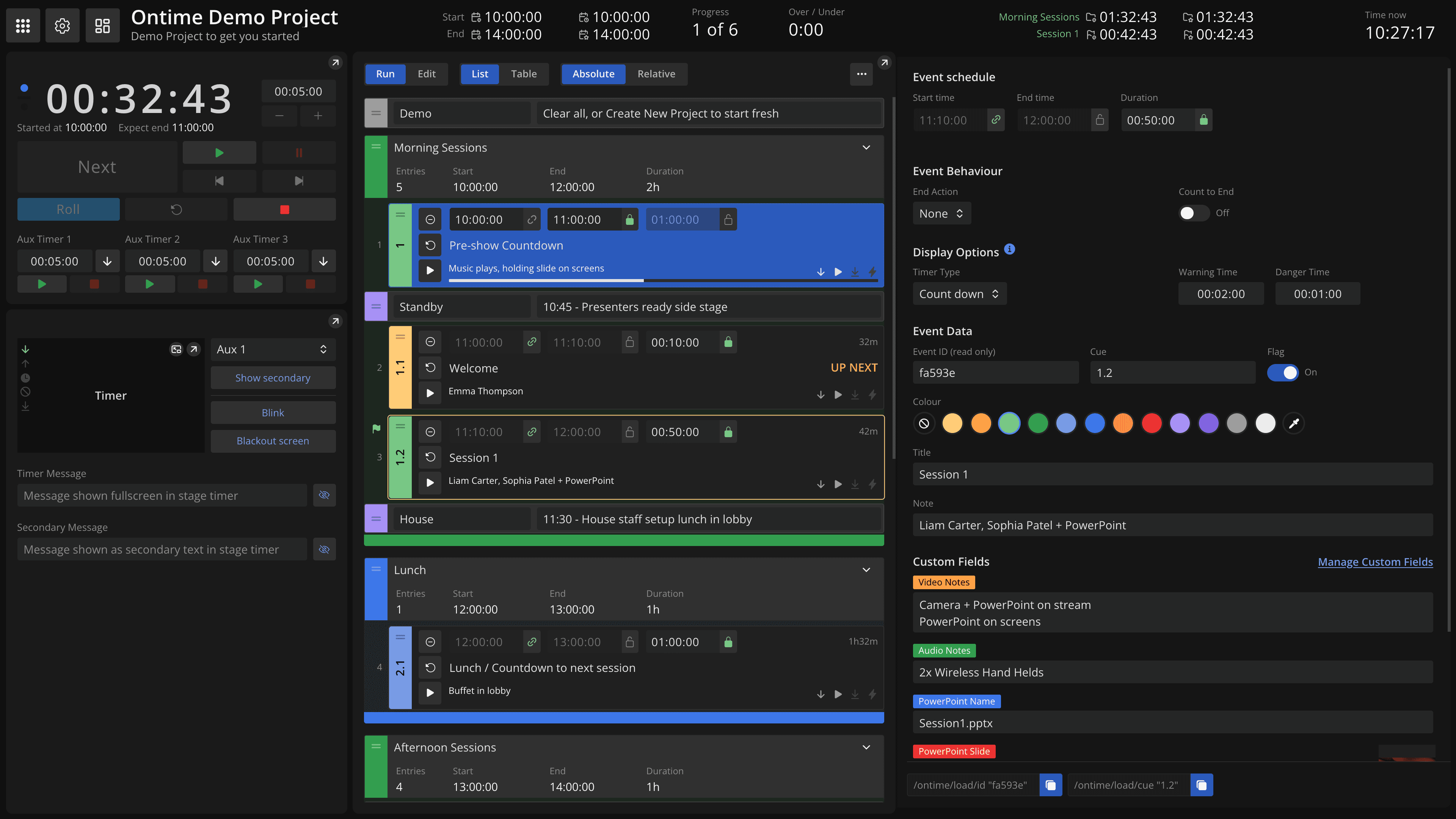
Turn it into a live production plan.
Import, edit, and keep every view in syncThe editor lets you manage your rundown with every other view following changes in realtime.
- Import what you already haveBring a schedule in from Excel or Google Sheets instead of retyping it.
- Move from Cloud to localYour project files are transferable between local and cloud versions.
Your data is yours.
Communicate data
Give every role the information it needs.
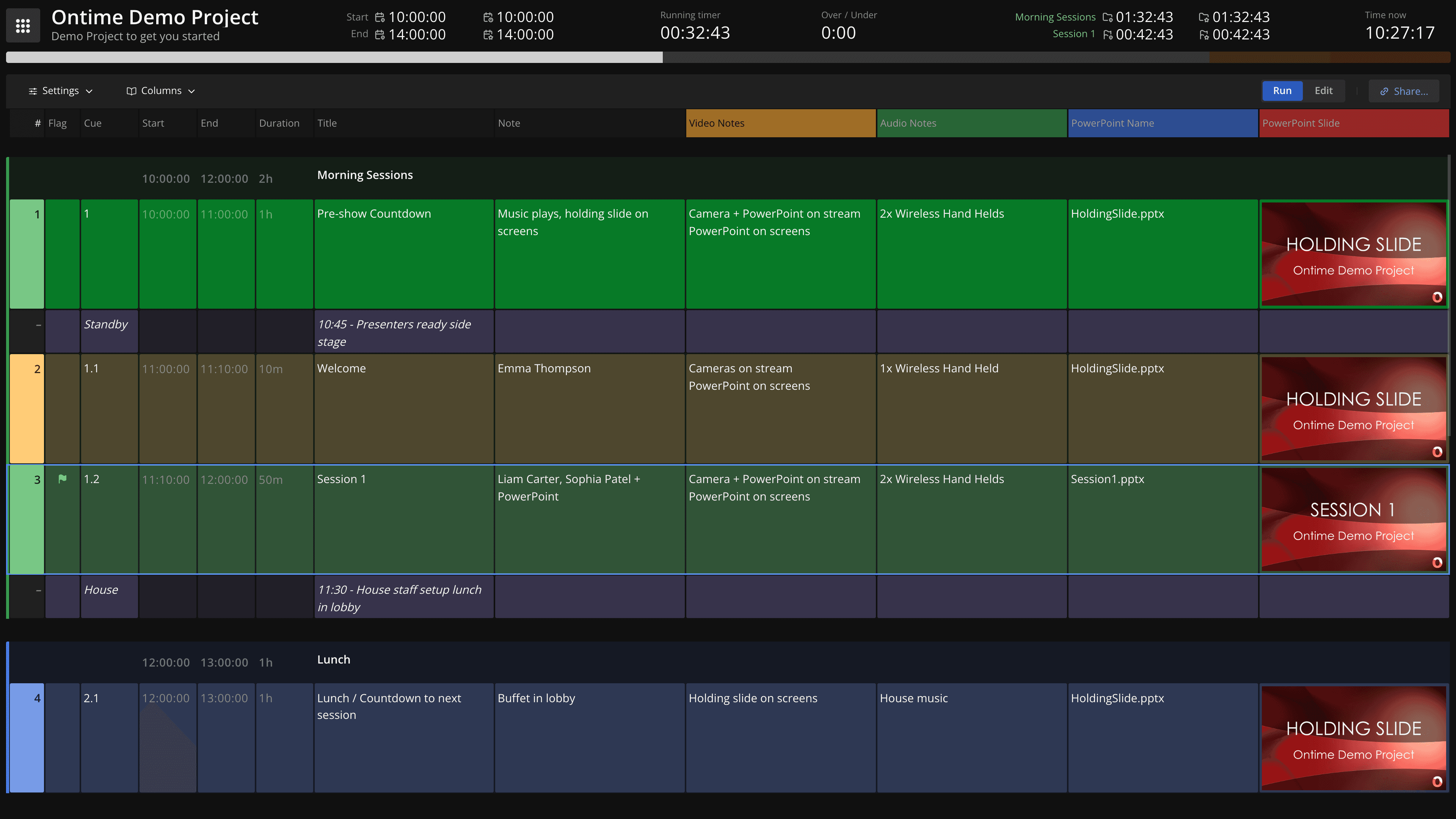
Make the rundown the source of truth.
Bring every department into the same planGranular read and write access lets people contribute safely.
Share a cuesheet link so each department or client can manage its own notes and custom fields in the shared rundown.
Your collaborators only see and write the data that they need.
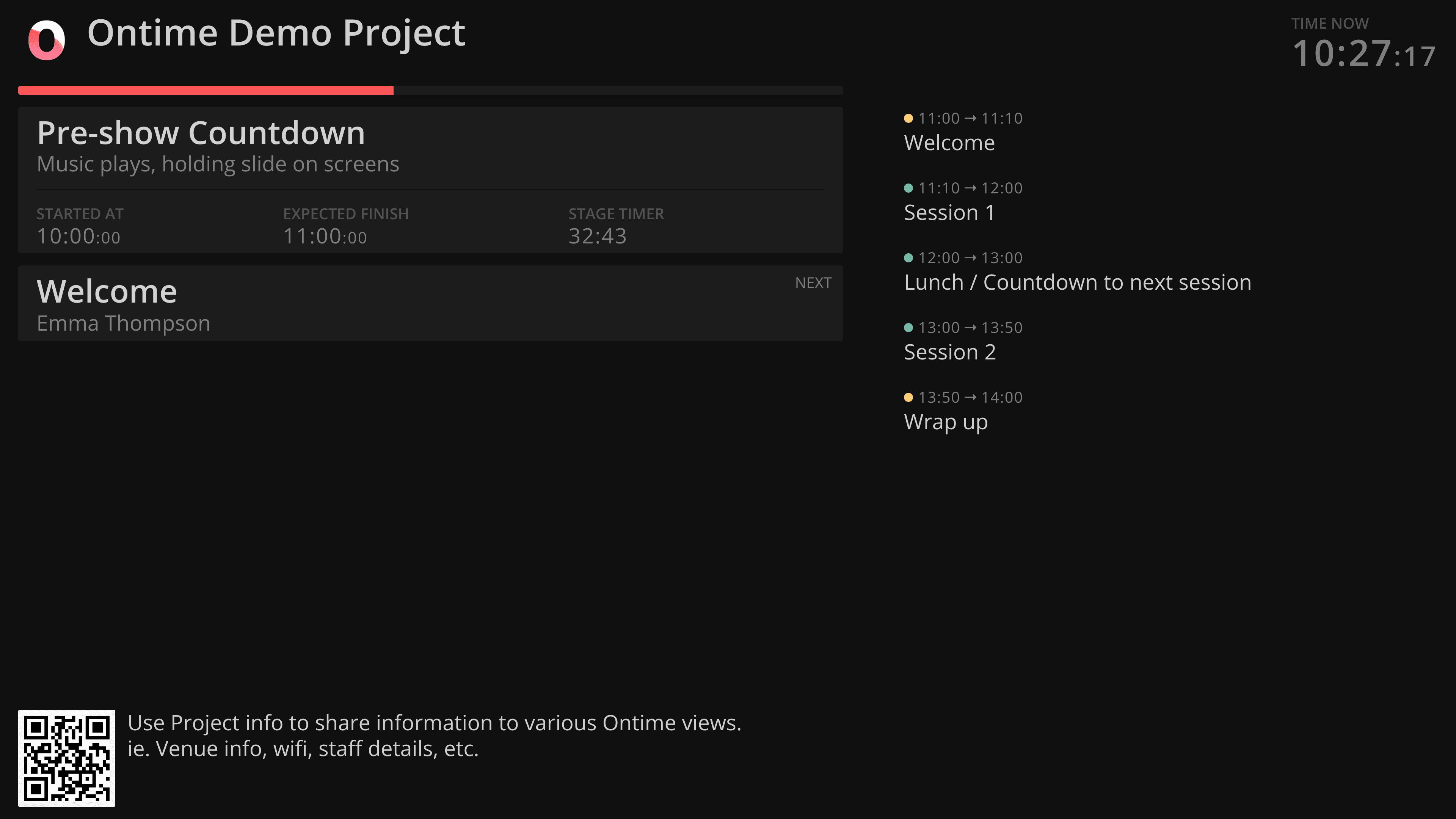
Share the right view with every audience.
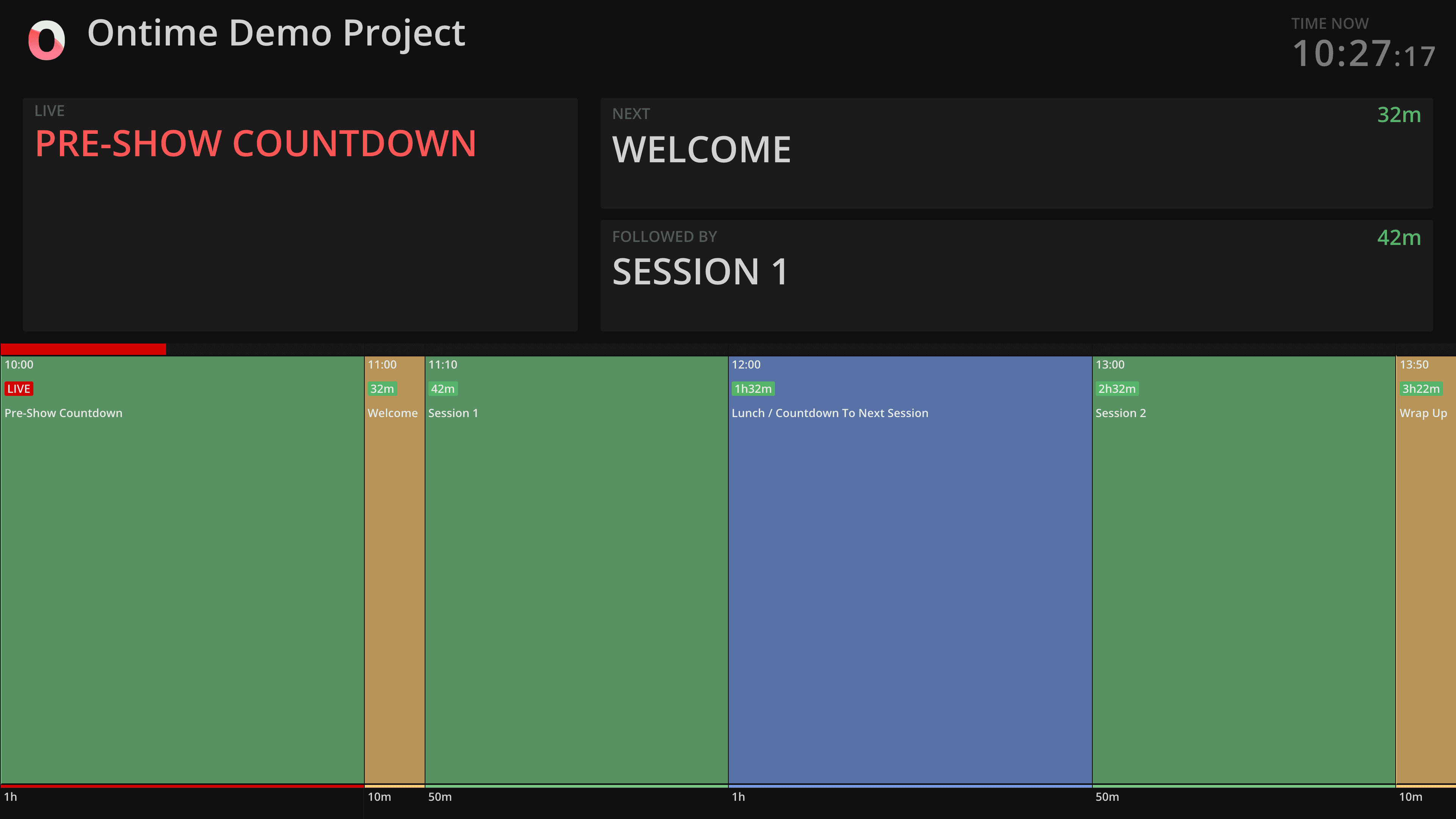
Start with purpose-built views or create your ownUse built-in views for public signage, backstage displays, and team screens, or build your own from the same live rundown data.
Give each audience the information it needs without maintaining separate copies of the schedule.
Run the production
Keep everyone on the same time.
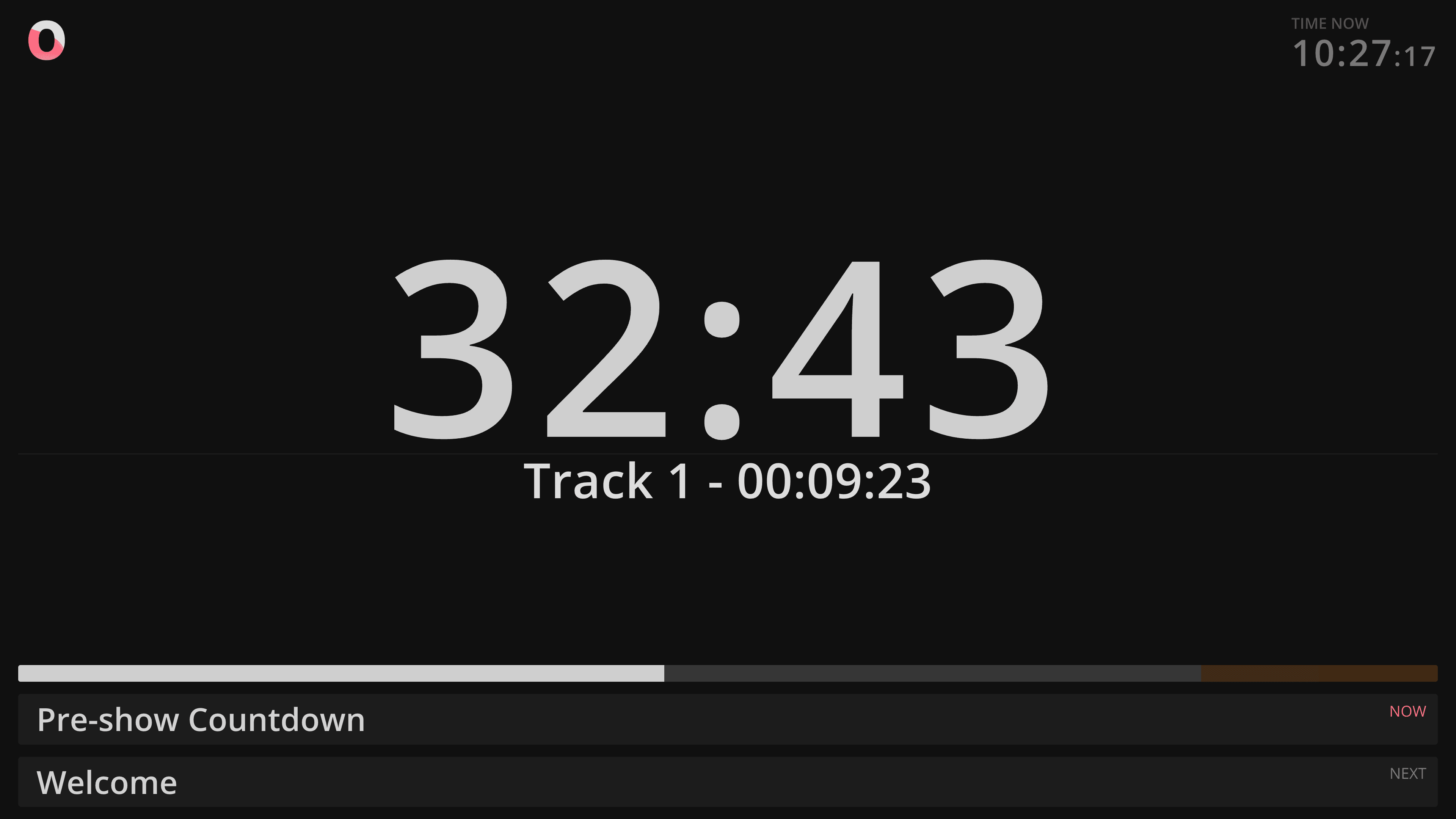
Run the show from one shared timer.
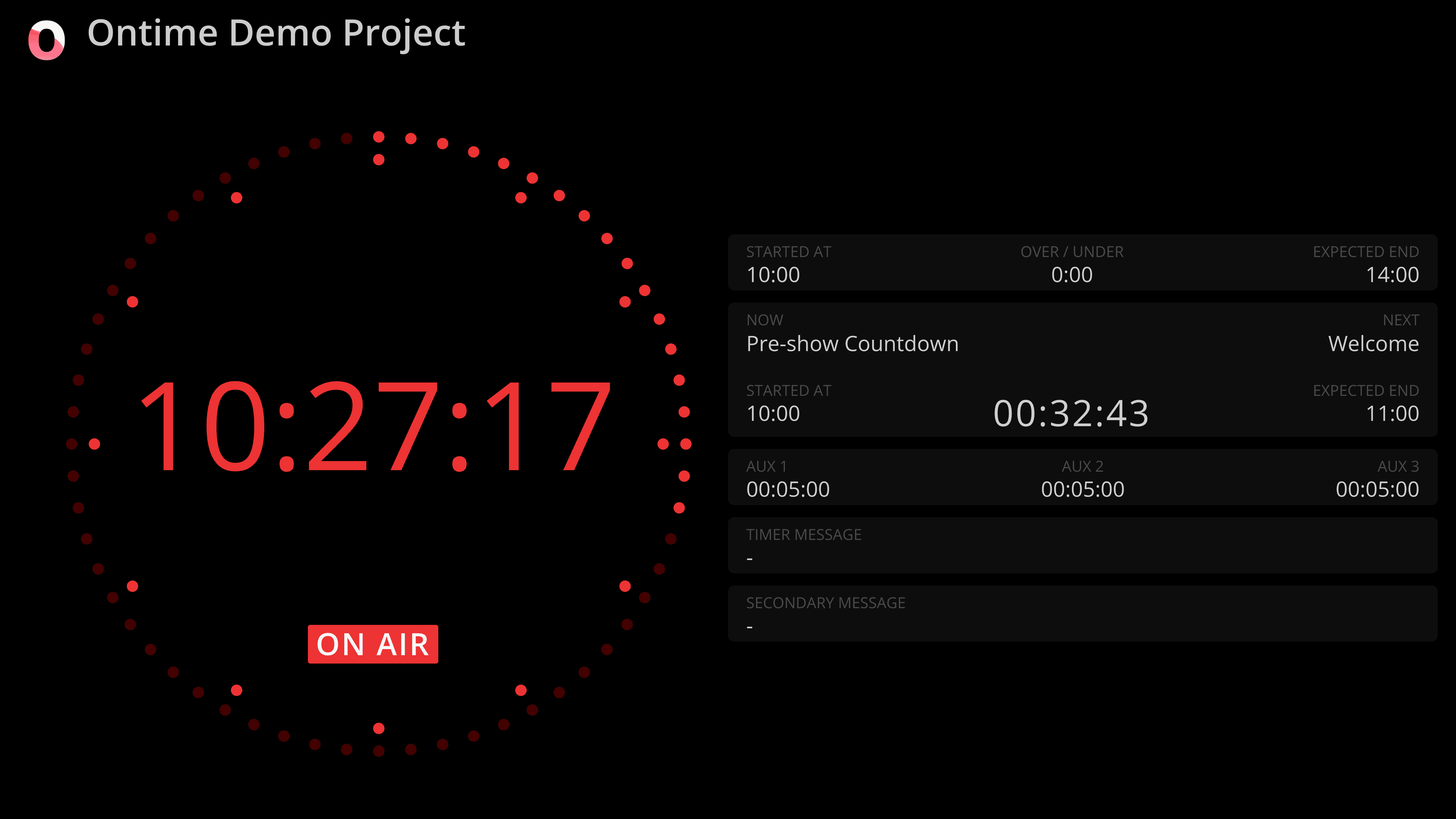
Keep presenters, artists, team members, and stage managers in syncThe timer sits at the core of Ontime: one running timer is shared across every connected screen, alongside upcoming events. Everyone follows the same live timer, so they know where the show is and what happens next.
Choose from ready-made timer layouts and save the display settings as a preset for every screen that needs them.
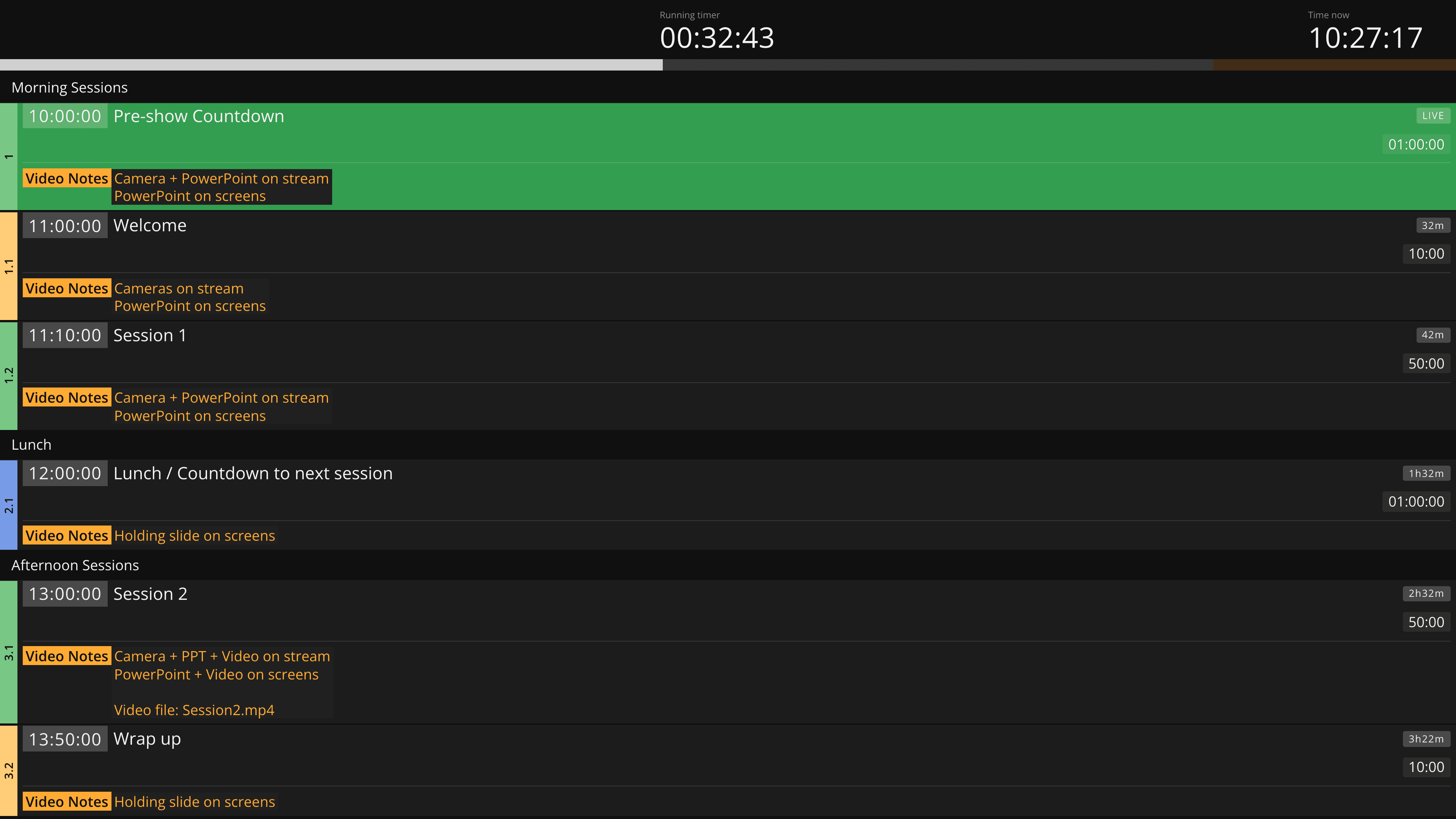
Keep the production aligned when the schedule moves.
Make live updates and delays visible to everyone who needs to reactEvery rundown change propagates in real time, and the operator view follows the current event without manual updates.
Ontime's delay management makes deviations from plan visible to the people affected, so the production can respond together.
Ontime Cloud
Run Ontime online with zero setup
Why choose Ontime Cloud
Ontime Cloud is the fastest way to run Ontime online.
The same Ontime as usual, but conveniently hosted.
- Start in minutesNo setup or maintenance
- Always reachableStable URL with HTTPS
- Share with your teamNo seat limits
- Ready between showsYour stages are already there when you come back
Support free, open source software
Ontime remains fully open-source and self-hostable.
Cloud subscriptions help fund continued development.
* OSC automation isn’t currently available in Ontime Cloud.
For automation workflows, use the Companion Module
Ontime Cloud PRO
$20 / month
- 3 simultaneous stages
- Stable public links
- Unlimited team members
- Email support
Ontime Cloud STUDIO
$80 / month
Everything in PRO, plus:
- 10 simultaneous stages
- Project checkpoints and archive
- Direct support
Ontime
Free / self hosted
- Fully featured
- Self-managed hosting
- Docs + community support